For iPhone and iPad
A curio that floats in your phone.
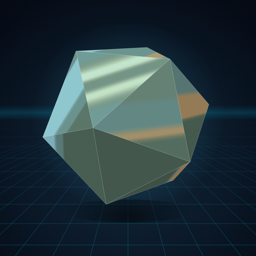
Curio turns your iPhone or iPad into a little display case. A polished object floats in the space inside the screen, and as you move your head it turns, just as a real object would, so you can look around it, over its top and down its sides.
 $0.99 · iOS 17 or later
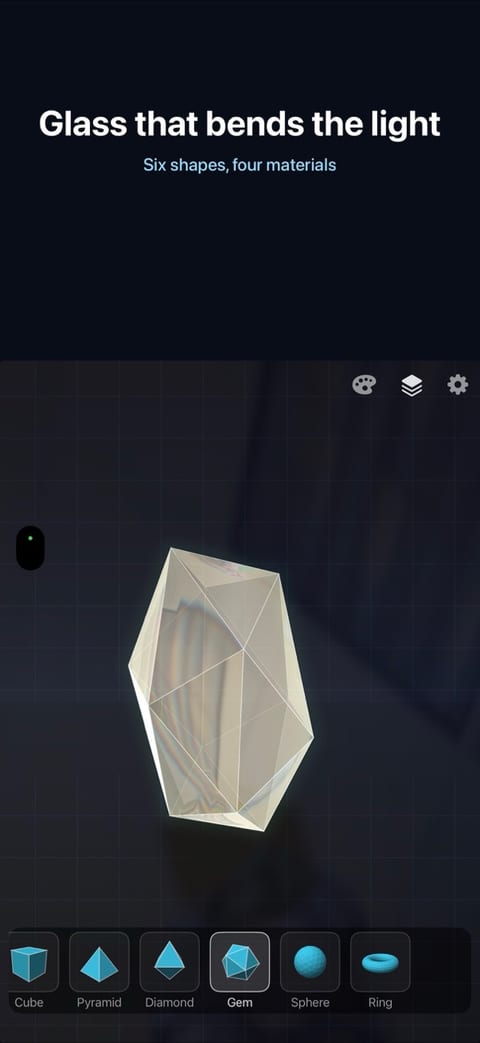
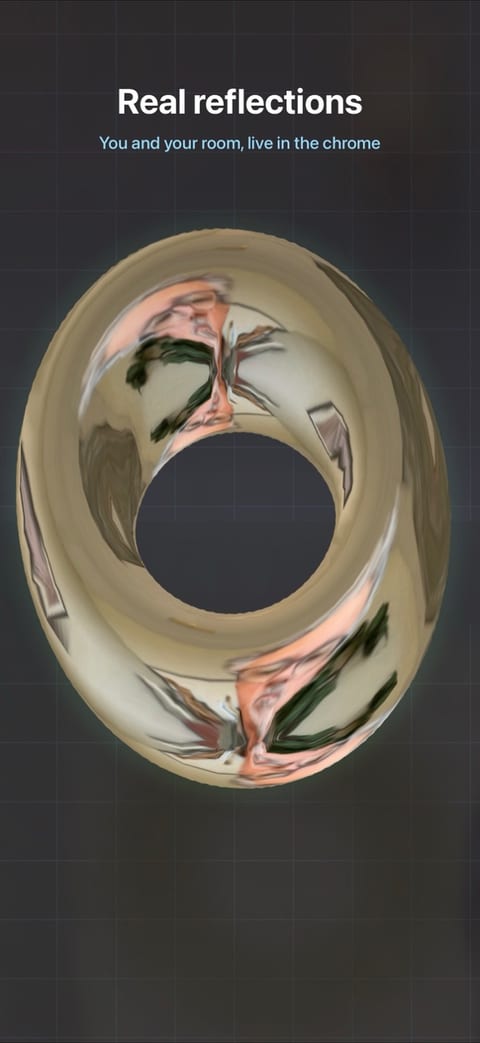
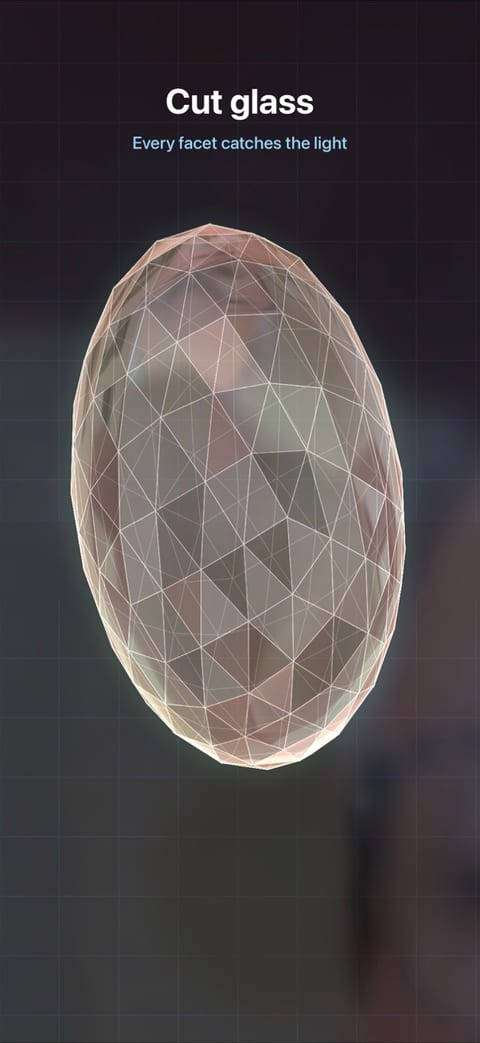
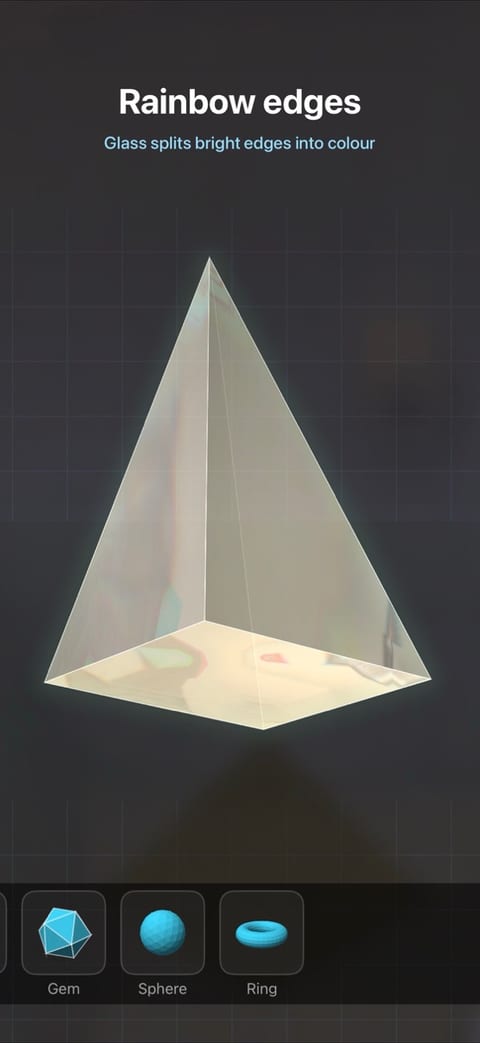
See it in action
Tap the screen for the shape and material buttons: here the gem becomes a ring, then a mirror.
What's inside
Head tracking
Using the front camera: move left, right, up or down, or lean in, and the object answers.
Real reflections
Mirror and glass surfaces show you and the room around you, live.
Glass that bends light
See-through shapes refract the room, show their back edges and split bright edges into rainbow fringes.
Six shapes
Cube, pyramid, diamond, gem, sphere and ring.
Four materials
Smooth mirror, mirror facets, clear glass and cut glass.
Depth behind the screen
A floor that runs off to a distant horizon, and a sheet of glass you can see your reflection in.
3D glasses
A red/cyan mode for true stereo depth.
Three ways to look
Head
The front camera follows your head, so the object turns as you move.
Tilt
Tip the device to look around, using its motion sensors. No camera needed.
Touch
Look around by touching the screen. No camera needed.
Privacy policy
This policy covers the Curio app for iPhone and iPad. Curio does not collect, store or share any personal data. (Our web service LabWorker has its own policy at rezend.ai/privacy.html; it does not apply to Curio, which has no account and no connection to it.)
- Camera: in Head mode Curio uses the front camera to follow the position of your head, and shows the room in the object's reflections. The video is processed only on your device, as it happens. It is never recorded, saved or sent anywhere.
- Motion: in Tilt mode Curio reads the device's motion sensors, again only on the device.
- No accounts, analytics, advertising or tracking. Your settings are kept on your device only.
You can turn off camera access at any time in Settings → Privacy & Security → Camera, and still use Tilt or Touch mode.
Last updated: November 13, 2026.
Support
Tips: hold the device about 15–20 inches from your face. Tap the screen for the shape and material buttons, slide a finger up or down to resize, and double-tap to re-centre. If the object doesn't follow you, check that Curio has camera access, then double-tap while sitting normally.
Questions or problems: [email protected]
Curio - 3D
$0.99 on the App Store, for iPhone and iPad.